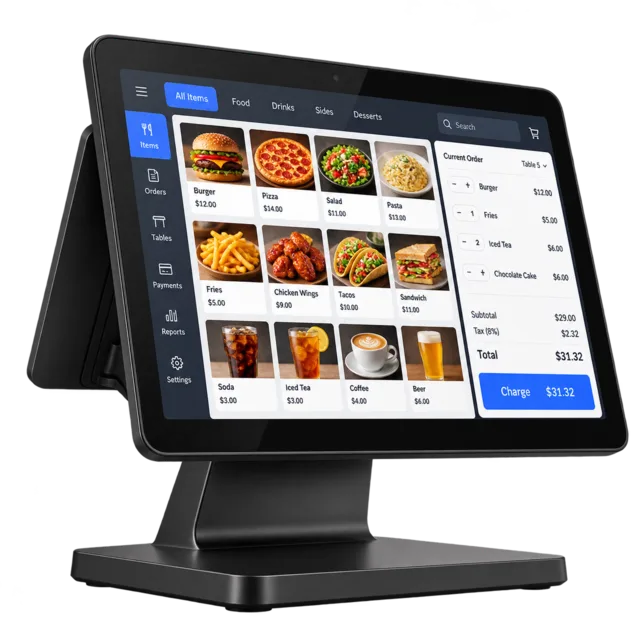
Touchscreen or PC
Any Windows computer. A touchscreen makes busy hours faster.
Answer a few questions and watch your own point-of-sale appear: your menu, your currency, your colours, the way you take payment. Then change anything by simply asking.
What kind of place you run, how you sell, how customers pay, and the look you like.
It opens in your browser with sample items, so you can ring up a sale before you’ve typed in a single price.
Say what you want in plain words. When it’s right, put it on your shop’s computer.
Every POS starts with sample items like these. Rename them, replace them, or ask for something new.
We suggest one from your answers. Switch any time: your items and sales come with you.
Big tap-friendly buttons and a running order. Fast at the till when there’s a queue.
Your floor at a glance, tabs kept open per table, orders sent to the kitchen.
Search or scan, then pick the size and colour. Built for racks and shelves.
Sell time and treatments, not just stock, and see who did the work.
No settings maze. Describe what you want, see it in your preview a couple of minutes later, and keep it only if you like it. Every version can be undone.
We’re open late on Fridays. Add a Happy Hour menu.New menu section
Staff shouldn’t give discounts over 20% without me.Manager approval
Make it match our sign: deep blue.New colours
Runs on your shop’s computer, so a dropped connection never stops a sale.
USB and network receipt printers, kitchen tickets, and a drawer that opens on cash sales.
Prices and receipts in the currency you trade in, chosen when you set up.
Everyone logs in with a PIN. Refunds and big discounts can need a manager’s OK.
Every version is saved. Didn’t like a change? Go back to the one that worked.
Connect your own cloud account to back up sales and share them across tills.
Your POS installs on a Windows computer or touchscreen and works with standard counter hardware. Keep your own card machine: the POS records each card sale.
Any Windows computer. A touchscreen makes busy hours faster.
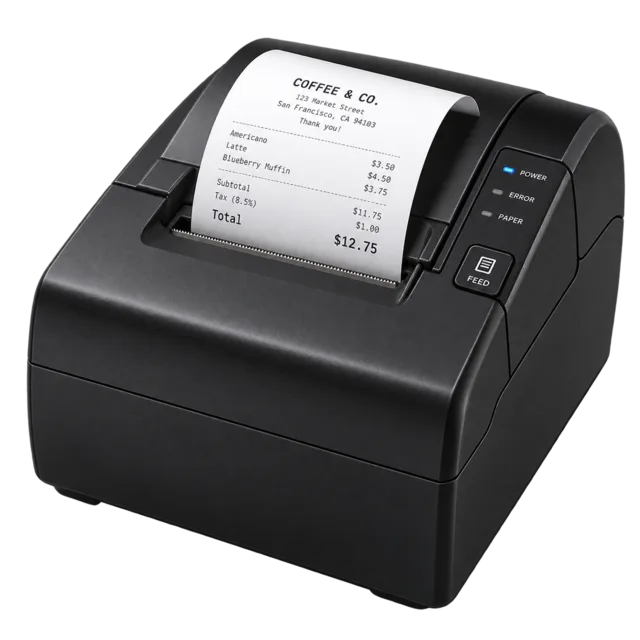
USB or network thermal printers, with a test print from Settings.
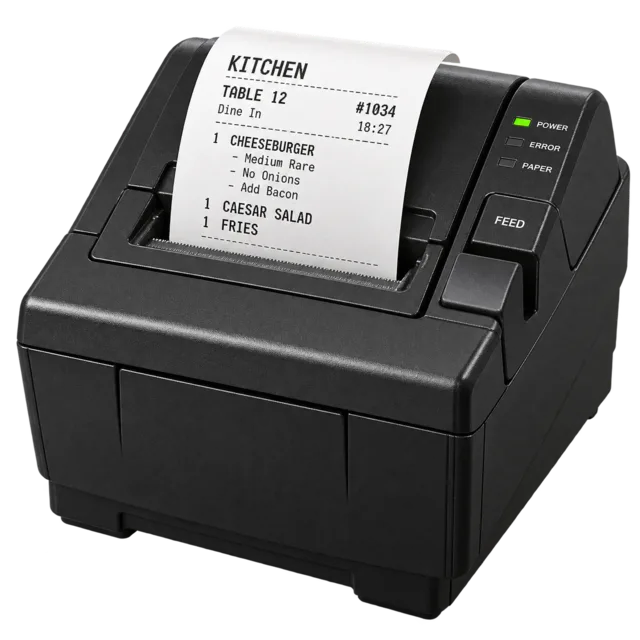
Order tickets print in the kitchen the moment you send them.
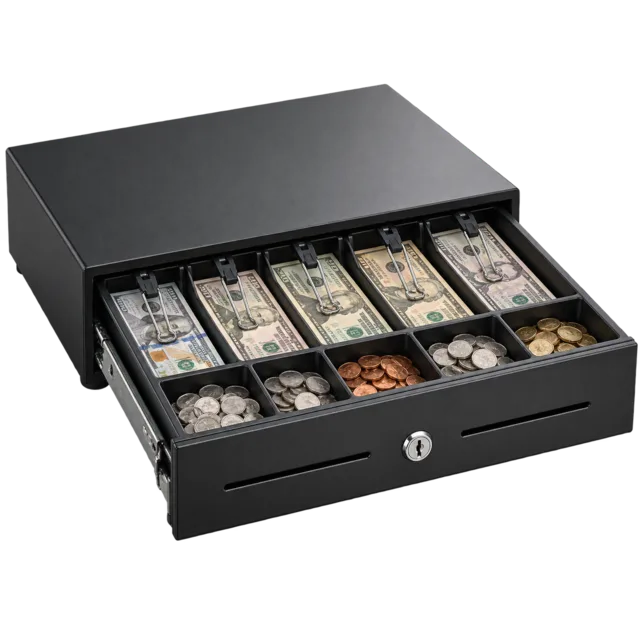
Opens on cash sales and keeps count of what should be inside.
The same POS your business would get, running in your browser with sample items. Tap around, take a payment, see the receipt.
Two minutes of questions, and you’ll be looking at your own point-of-sale.